Custom Wake Word — "Hey Addie"
A 15 KB ONNX model that wakes ADI on the phrase "hey addie" — trained from scratch using synthetic Kokoro TTS voices plus a few minutes of real microphone recordings. The whole pipeline runs in Docker on an RTX 5060 (Blackwell, sm_120) and drops straight into the existing openWakeWord listener with a two-line config change.
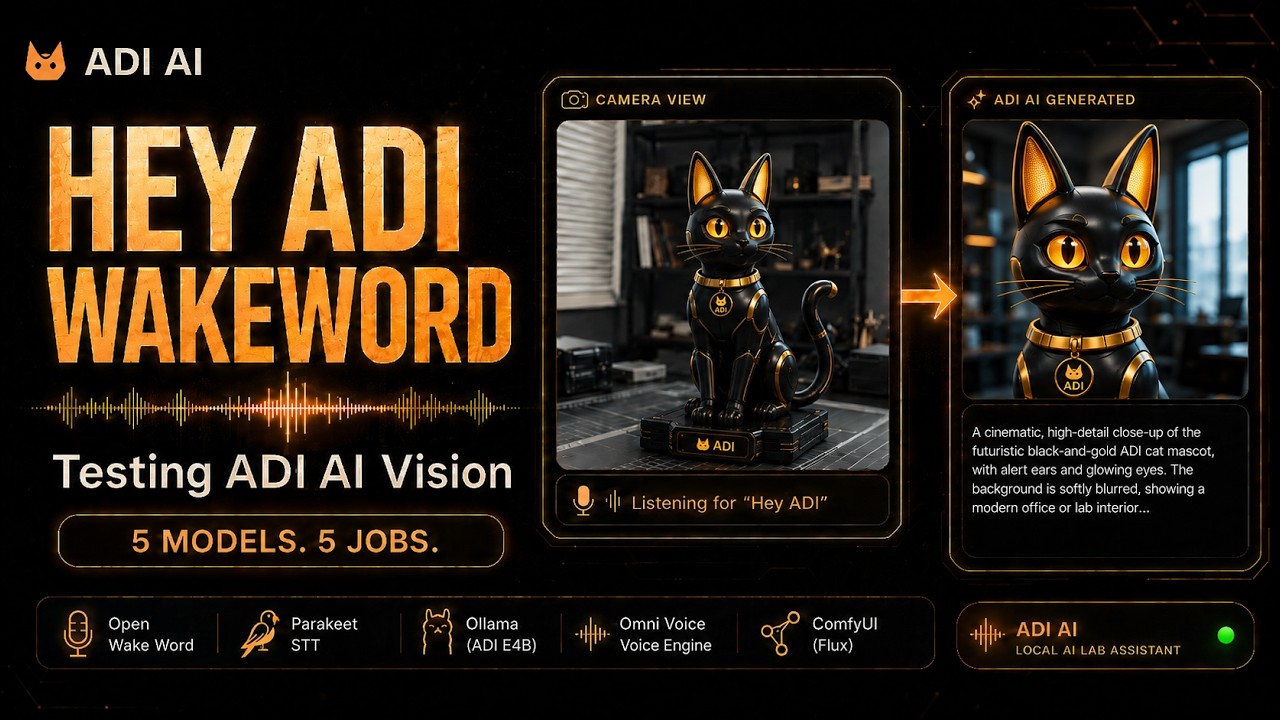
This page walks through how the custom hey_addie.onnx wake word was built end-to-end. Stack: Ubuntu 22.04 + Docker + CUDA 12.8 + PyTorch (cu128) + Kokoro TTS + openWakeWord on the thelab-genesis training rig (RTX 5060, 8 GB), then deployed to the live ADI pipeline on adi-genesis.
How It Works
openWakeWord trains a small classifier on top of a frozen audio embedding model. To make a new wake word, you need three things: a pile of positive samples (the phrase being said many ways), a much bigger pile of negative samples (everything that isn't the phrase), and compute. The CoreWorxLab/openwakeword-training Docker image bundles the negative-sample datasets and the training loop so the only inputs you supply are positives.
Positives come from two sources: Kokoro TTS generates hundreds of synthetic "hey addie" utterances across a wide range of voices, accents, pitches, and speaking rates, and ~30 real recordings of Master Jedi's voice are mixed in to anchor the model to the target speaker. The trainer then runs through several epochs against the negative pool until validation accuracy stabilizes, and exports a .onnx file roughly 15 KB in size.
File Layout
/opt/adi-wakeword-train/         # on thelab-genesis (training rig)
├── docker-compose.yml           # trainer service definition
├── Dockerfile                   # cuda:12.8.0-devel base + cu128 PyTorch
├── setup-data.sh                # pulls negative-sample datasets
├── generate_samples.py          # Kokoro TTS positive generator
├── record_samples.py            # mic recorder for real positives
├── train.py                     # openWakeWord training loop
├── positive_samples/            # synthetic + recorded "hey addie" wavs
├── negative_samples/            # speech / noise / music datasets
└── my_custom_model/
    └── hey_addie.onnx           # final 15 KB output

/opt/adi-wakeword/               # on adi-genesis (live pipeline)
├── wakeword_listener.py         # the running daemon
├── venv/                        # openwakeword + pyaudio
└── models/
    └── hey_addie.onnx           # dropped in after training
Step 1 — Install Docker on thelab-genesis
sudo apt update
sudo apt install -y docker.io docker-compose
sudo usermod -aG docker $USER
newgrp docker
docker --version
The training rig also needs the NVIDIA Container Toolkit so the Docker container can see the RTX 5060:
curl -fsSL https://nvidia.github.io/libnvidia-container/gpgkey | sudo gpg --dearmor -o /usr/share/keyrings/nvidia-container-toolkit-keyring.gpg
curl -s -L https://nvidia.github.io/libnvidia-container/stable/deb/nvidia-container-toolkit.list | \
  sed 's#deb https://#deb [signed-by=/usr/share/keyrings/nvidia-container-toolkit-keyring.gpg] https://#g' | \
  sudo tee /etc/apt/sources.list.d/nvidia-container-toolkit.list
sudo apt update
sudo apt install -y nvidia-container-toolkit
sudo nvidia-ctk runtime configure --runtime=docker
sudo systemctl restart docker
Step 2 — Clone the Trainer
cd /opt
sudo git clone https://github.com/CoreWorxLab/openwakeword-training.git adi-wakeword-train
sudo chown -R $USER:$USER /opt/adi-wakeword-train
cd /opt/adi-wakeword-train
Step 3 — Patch for Blackwell (sm_120 / RTX 5060)
The default trainer image targets older GPUs. The RTX 5060 is Blackwell architecture (compute capability sm_120) and requires CUDA 12.8+ tooling and matching PyTorch wheels. Edit the Dockerfile base image and PyTorch install lines:
FROM nvidia/cuda:12.8.0-devel-ubuntu22.04

# ... system deps ...

RUN pip install --no-cache-dir \
    torch torchvision torchaudio \
    --index-url https://download.pytorch.org/whl/cu128
Then bump the shared memory in docker-compose.yml so the DataLoader workers don't OOM on /dev/shm during training:
services:
  trainer:
    build: .
    runtime: nvidia
    shm_size: "8gb"
    environment:
      - CUDA_VISIBLE_DEVICES=0     # MUST be 0, not empty
    volumes:
      - .:/workspace
    working_dir: /workspace
Step 4 — Build the Image
cd /opt/adi-wakeword-train
docker compose build trainer
This pulls the CUDA 12.8 base, installs PyTorch cu128, openWakeWord, Kokoro TTS, and the audio toolchain. First build is ~10 minutes.
Step 5 — Pull Negative-Sample Datasets
The trainer ships a script that downloads the negative pools — speech, ambient noise, music, and adversarial near-misses. Roughly 5–8 GB on disk:
docker compose run --rm trainer ./setup-data.sh
This populates negative_samples/ with the datasets the classifier learns to ignore. Without a strong negative pool, the model fires on everything that sounds vaguely like the wake word — this step is what makes detections specific.
Step 6 — Generate Synthetic Positives with Kokoro
Kokoro TTS produces high-quality voices in dozens of timbres. The generator script feeds it the phrase "hey addie" and rotates through every available voice preset, varying speaking rate and pitch:
docker compose run --rm trainer python generate_samples.py \
    --phrase "hey addie" \
    --output positive_samples/synthetic \
    --voices all \
    --variations 10
This drops several hundred 1–2 second WAV files into positive_samples/synthetic/. Each one is a different voice saying "hey addie" — male, female, fast, slow, clipped, drawled. This is what gives the model speaker-independence.
Step 7 — Record Real Positives
Synthetic samples generalize, but the model locks on faster when it hears the actual target speaker. Run the recorder on whichever machine has the production microphone (in this build, the laptop next to the rig):
cd /opt/adi-wakeword-train
python3 -m venv venv && source venv/bin/activate
pip install pyaudio numpy scipy
python record_samples.py \
    --phrase "hey addie" \
    --count 30 \
    --output positive_samples/recorded
The script prompts for each take — say "hey addie" 30 times in different tones (normal, tired, enthusiastic, leaning back, leaning into the mic). Total time: about 5 minutes.
addie was chosen because it reads as a name rather than an acronym.Step 8 — Free the GPU, Then Train
VRAM on the RTX 5060 is 8 GB and training will use most of it. Stop any other GPU consumers on thelab-genesis first (Ollama, VibeVoice, anything in nvidia-smi):
nvidia-smi                          # find competing processes
sudo systemctl stop ollama         # or whatever is holding VRAM
nvidia-smi                          # confirm GPU is clear
Then kick off training:
docker compose run --rm trainer python train.py \
    --phrase "hey addie" \
    --positive-dir positive_samples \
    --negative-dir negative_samples \
    --output my_custom_model/hey_addie.onnx
The trainer logs loss and validation accuracy each epoch. On the RTX 5060 a full run completes in a few hours. The output is my_custom_model/hey_addie.onnx — about 15 KB.
Step 9 — Deploy to adi-genesis
Copy the trained model from thelab-genesis to the live ADI host over Tailscale:
# from thelab-genesis
scp /opt/adi-wakeword-train/my_custom_model/hey_addie.onnx \
    jedi@adi-genesis:/opt/adi-wakeword/models/hey_addie.onnx
Step 10 — Update the Listener (Two Lines)
Edit /opt/adi-wakeword/wakeword_listener.py on adi-genesis. Change the model path and name constants:
# before
WAKEWORD_MODEL = "/opt/adi-wakeword/venv/lib/python3.12/site-packages/openwakeword/resources/models/hey_jarvis_v0.1.onnx"
WAKEWORD_NAME  = "hey_jarvis_v0.1"

# after
WAKEWORD_MODEL = "/opt/adi-wakeword/models/hey_addie.onnx"
WAKEWORD_NAME  = "hey_addie"
Restart the systemd service and tail the logs:
sudo systemctl restart adi-wakeword
sudo journalctl -u adi-wakeword -f
Verify
- Watch the listener log — say "hey addie" and confirm a score above the configured threshold appears.
- Confirm the dashboard transitions from idle to listen state in
adi_state.json. - Speak a command after the wake — confirm the full pipeline (Whisper → Ollama → VibeVoice) completes and Emma responds.
- Test rejection — say "hey jarvis", "hey daddy", "hey buddy" and confirm scores stay low.
wakeword_listener.py may need a small downward nudge (e.g. 0.5 → 0.35). If false positives fire on background speech, nudge it the other way. The model itself doesn't need retraining for threshold tuning.