theLAB Inventory
A self-hosted homelab hardware tracker. Every component, peripheral, cable, and machine in the lab gets cataloged with a unique QR label, full purchase metadata, multi-photo gallery, and AI-generated technical notes pulled from a configurable Ollama backend. Lives entirely behind Tailscale — no public ingress, no external dependencies.

One Source of Truth for Every Thing in the Lab
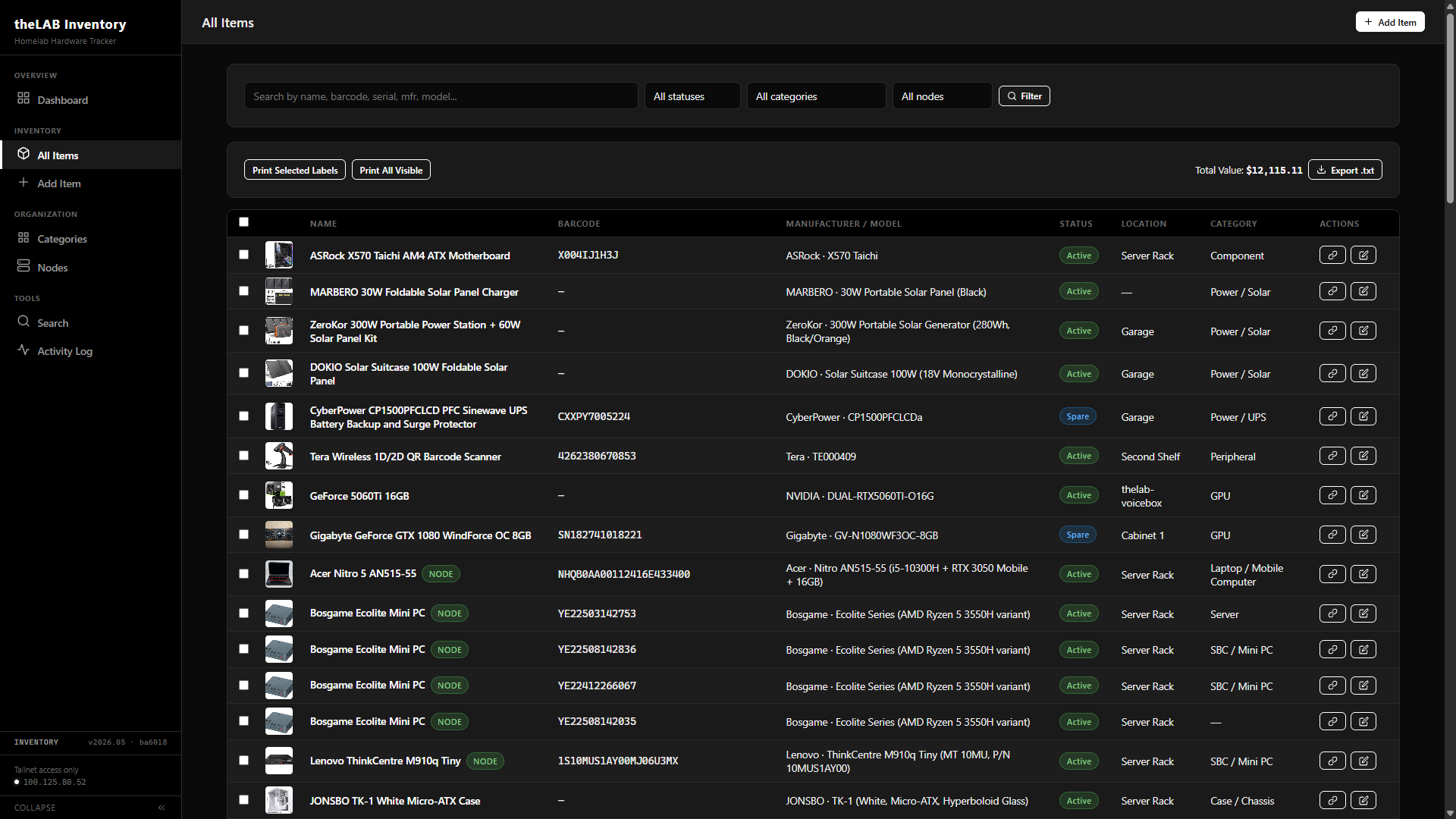
Built to replace a sprawling spreadsheet that lost track of which CPU was in which box, what got bought when, and where the spare RAM lived. Every component, peripheral, cable, and full machine in the lab has exactly one canonical record — and a printable QR label tying it back to that record from the physical world.
api/search.php for instant results as you type.Per-Item Catalog Page
Each item gets its own page rendered from a single database row. Header with name and category, free-form notes, lifecycle timestamps, a printable QR label that hits the lab's thermal printer, and a photo gallery with drag-and-drop upload directly to the page.
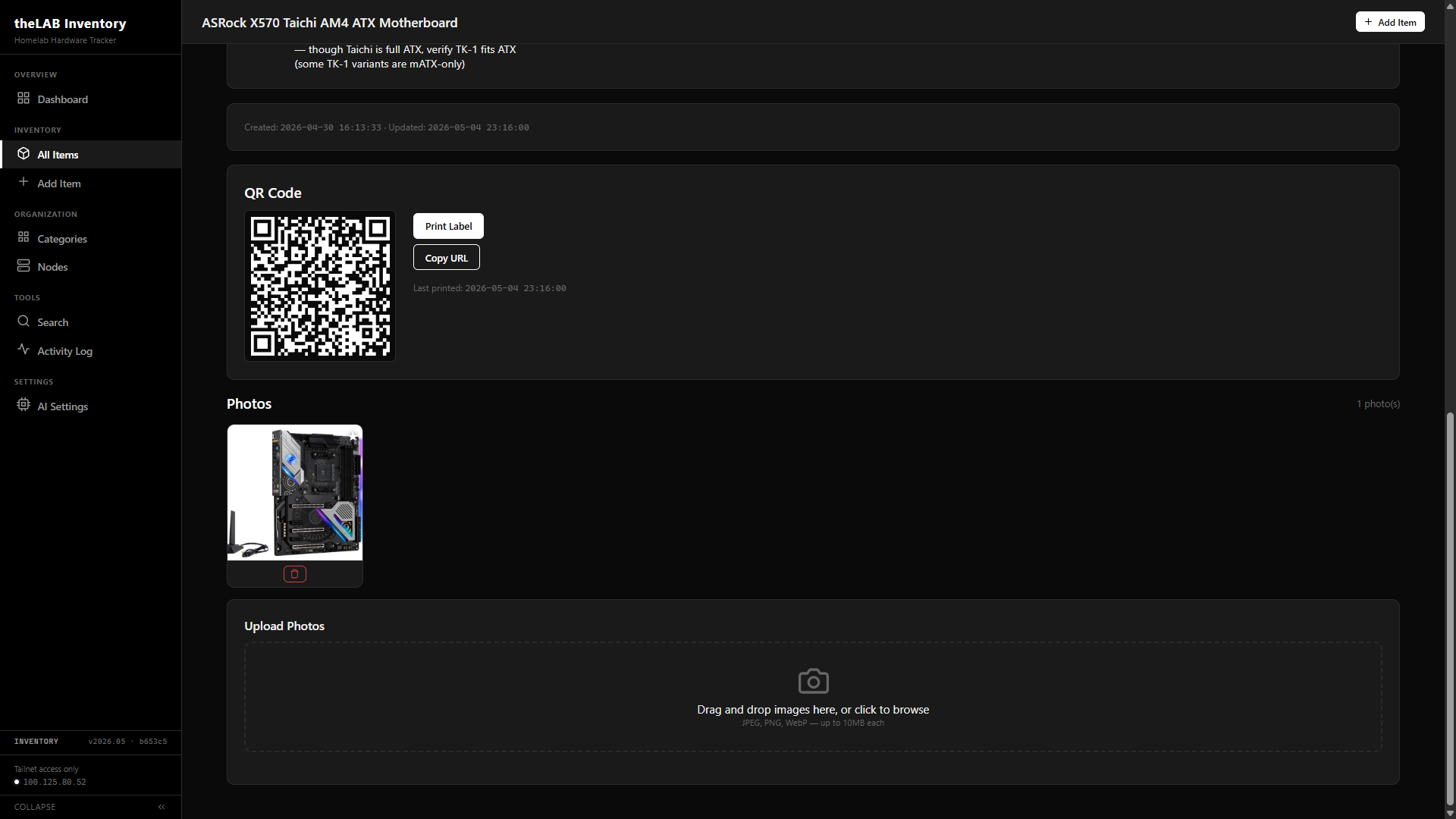
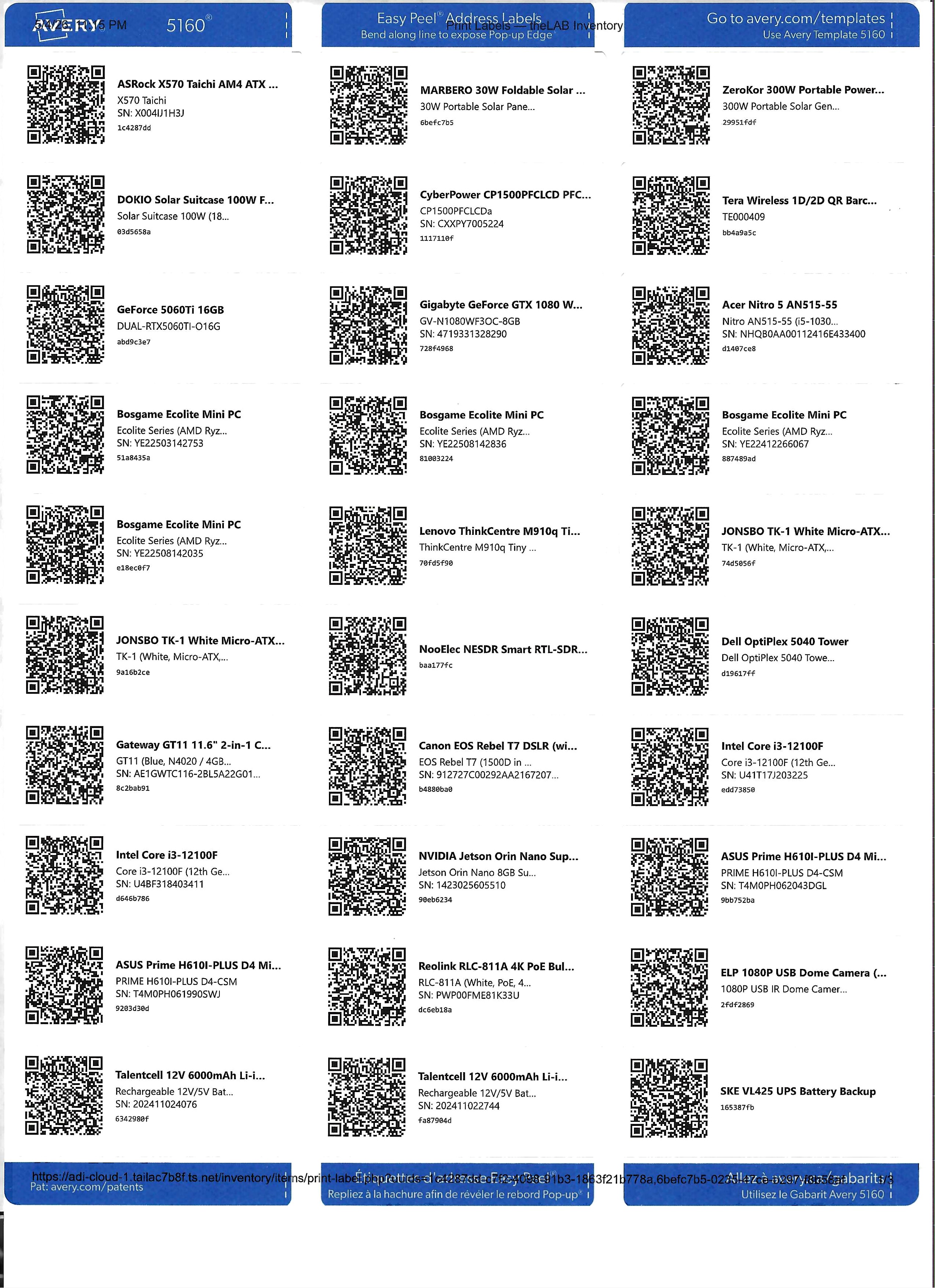
For batch runs, the All Items view multi-selects items and POSTs their barcodes to items/print-label.php, which lays them out on an Avery 5160 sheet — thirty labels per page, three columns by ten rows. Each label carries the QR code, item name, model line, serial number when present, and the short barcode hex. Built for laser and inkjet sheet stock; the per-item thermal label on the detail page covers single-item runs.
Full Metadata Schema
Every field is editable through one form. Items can flag as homelab nodes — when checked, the item is picked up by the Nodes view and cross-referenced against installed components. The Notes field accepts hand-written content or generates structured specs from the manufacturer/model fields via the configured Ollama backend.
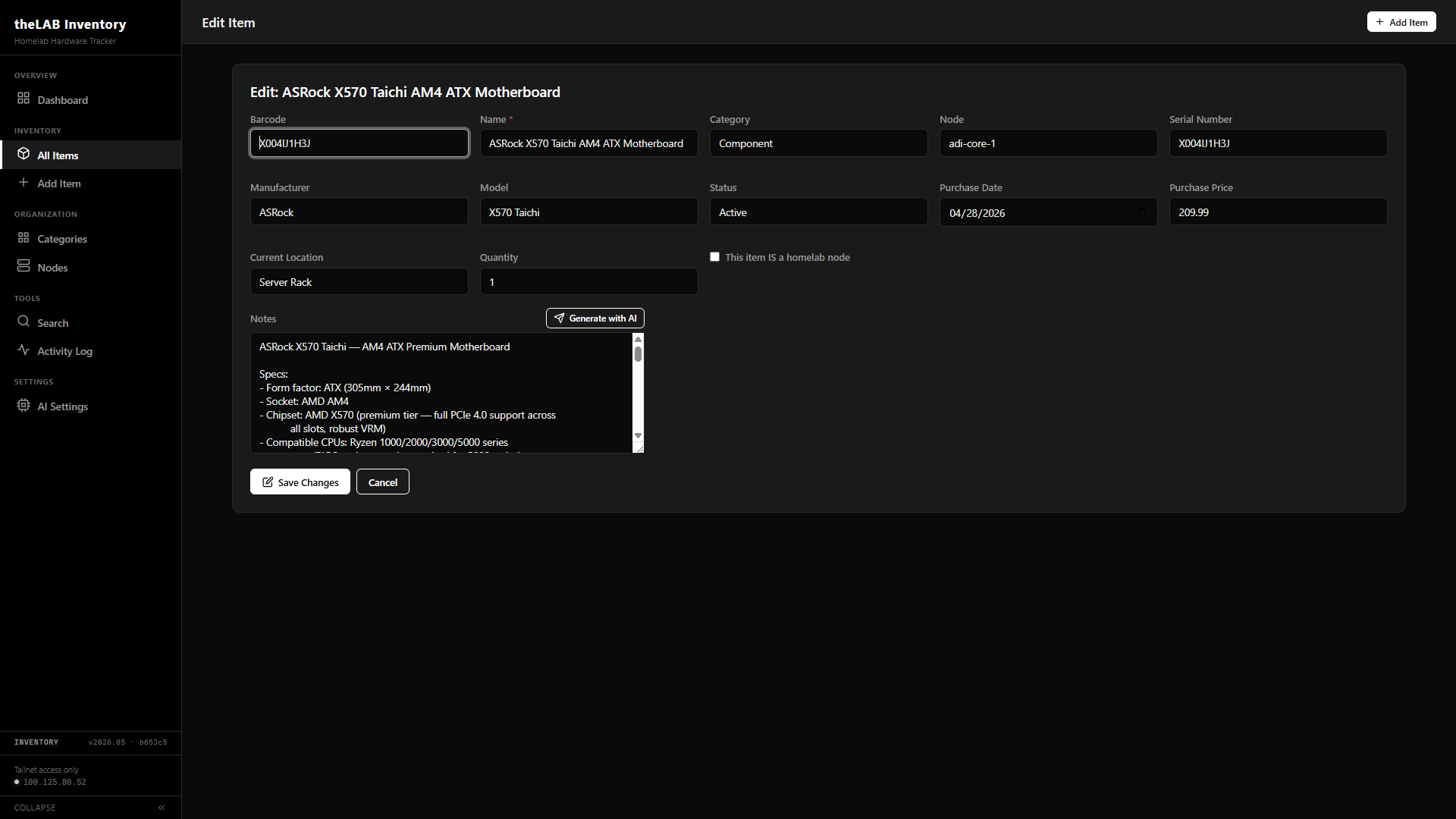
active, spare, decommissioned, loaned. Purchase date and price for budget tracking. Created and updated timestamps maintained automatically.What It's Built On
Procedural PHP, no frameworks, no ORM. Direct PDO against MariaDB, prepared statements throughout. A configurable Ollama backend handles the AI notes; Tailscale handles access control. Apache binds only to the Tailscale interface — nothing else.
config.php, db.php, helpers.php. PDO singleton, prepared statements, no ORM.libapache2-mod-php. No public listener — the inventory simply doesn't exist on the open internet.adi-cortex over the tailnet. Model and host are runtime-configurable — swap in any Ollama tag, including :cloud tags for heavier reasoning, without touching code.One Scan, One Decision
The barcode is the single point of entry to the system. Scan it on a phone, a USB scanner at the bench, or a Bluetooth gun on the rack — api/scan.php resolves the code to either an existing item's detail page or, if no match exists, opens a fresh intake form with the barcode pre-filled and the cursor in the Name field. Two outcomes, no manual lookup.
api/scan.php over the tailnet. The endpoint queries by barcode and returns JSON for AJAX or a 302 redirect for direct browser navigation. The scan event is logged either way.items/create.php?barcode=.... The barcode field is locked-and-readonly so it can't be edited by accident; the cursor lands on Name. New intake is a few keystrokes from done.Swap the Model Without Editing Code
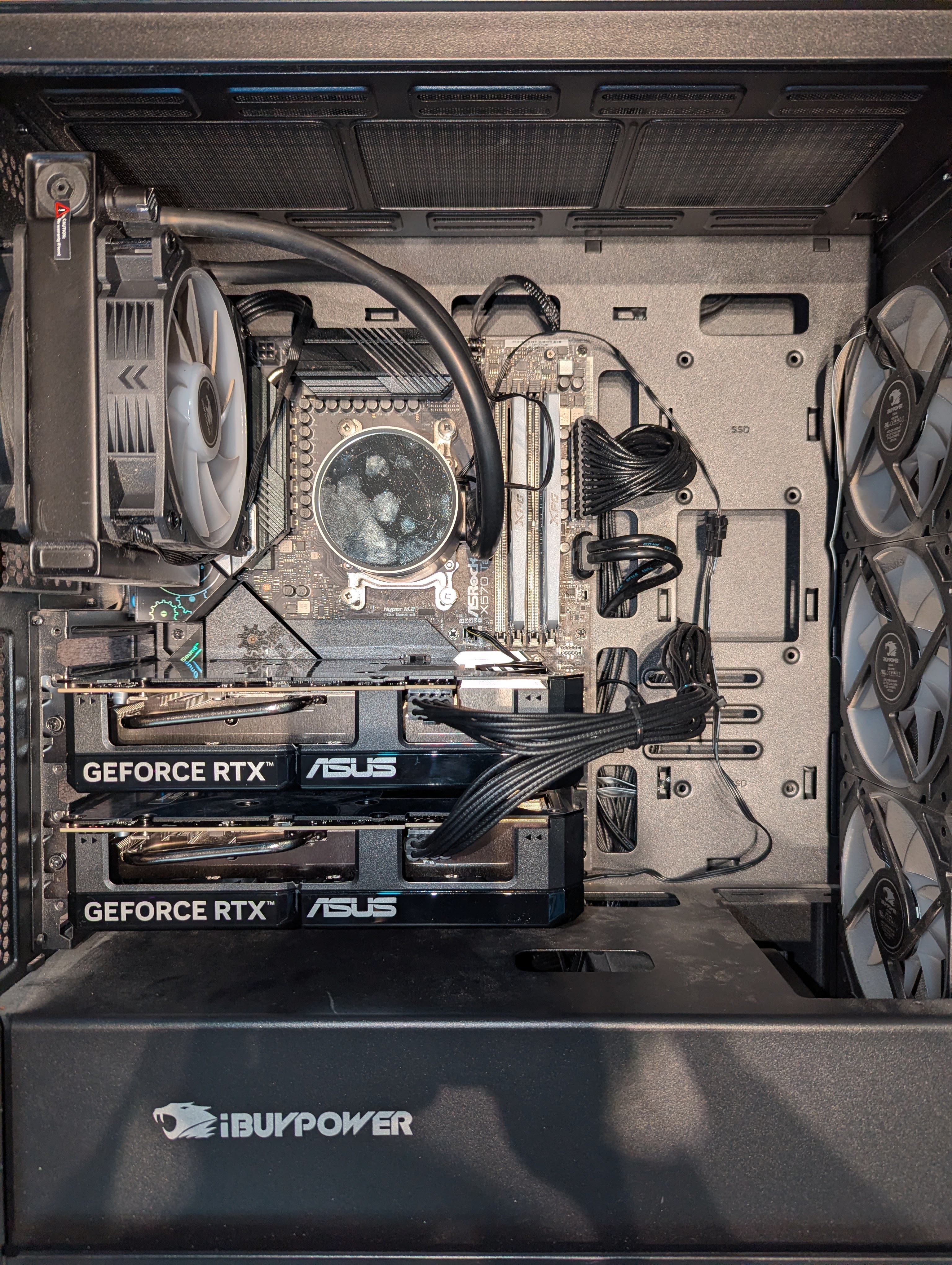
A dedicated settings page at /models.php manages which Ollama host and model power the Notes generator. Hot-swap between a local model on the dual-5060 Ti box for sensitive items and a :cloud-tagged model like glm-5.1:cloud for heavier reasoning. A built-in Test Connection probe pings /api/tags on the configured host, lists every local model it serves, and surfaces broken hosts before any item ever hits the AI button.

config/ai-config.json — one file, two keys, owned by www-data. Apache's .htaccess in config/ denies direct access; only PHP reads it./api/tags on the configured host and renders every local model the host serves. :cloud tags don't appear there — the page calls that out so you don't think it's broken.api/ai-notes.php. PHP composes the prompt server-side, calls Ollama's /api/generate, and returns the result — the model endpoint is never exposed to the browser.