Open Source · Self-Hosted

One dashboard for your
entire AI fleet.

Unify Ollama hosts on your LAN with API keys for Anthropic, OpenAI, Google, and Ollama Cloud. Voice in, voice out, camera input, gesture control, persistent memory, and an MCP tool layer that lets the model actually do things on your boxes.

The fleet you already run, behind one interface.

ADI is an open-source dashboard that unifies the AI fleet you already run. Point it at Ollama hosts on your LAN, drop in API keys for Anthropic, OpenAI, Google, or Ollama Cloud, and ADI gives you a single streaming chat surface across all of them.

Voice in, voice out. Camera input. Gesture control. Persistent memory. An MCP tool layer that lets the model actually do things on your boxes.

Built in plain PHP and MariaDB. No build step, no Docker required, no Node toolchain for the frontend. Clone, configure, browse.

Realtime Mode Deep Space

Talking to my AI feels like talking to a person now.

This is the demo that made me feel like I was talking to a real AI for the first time.
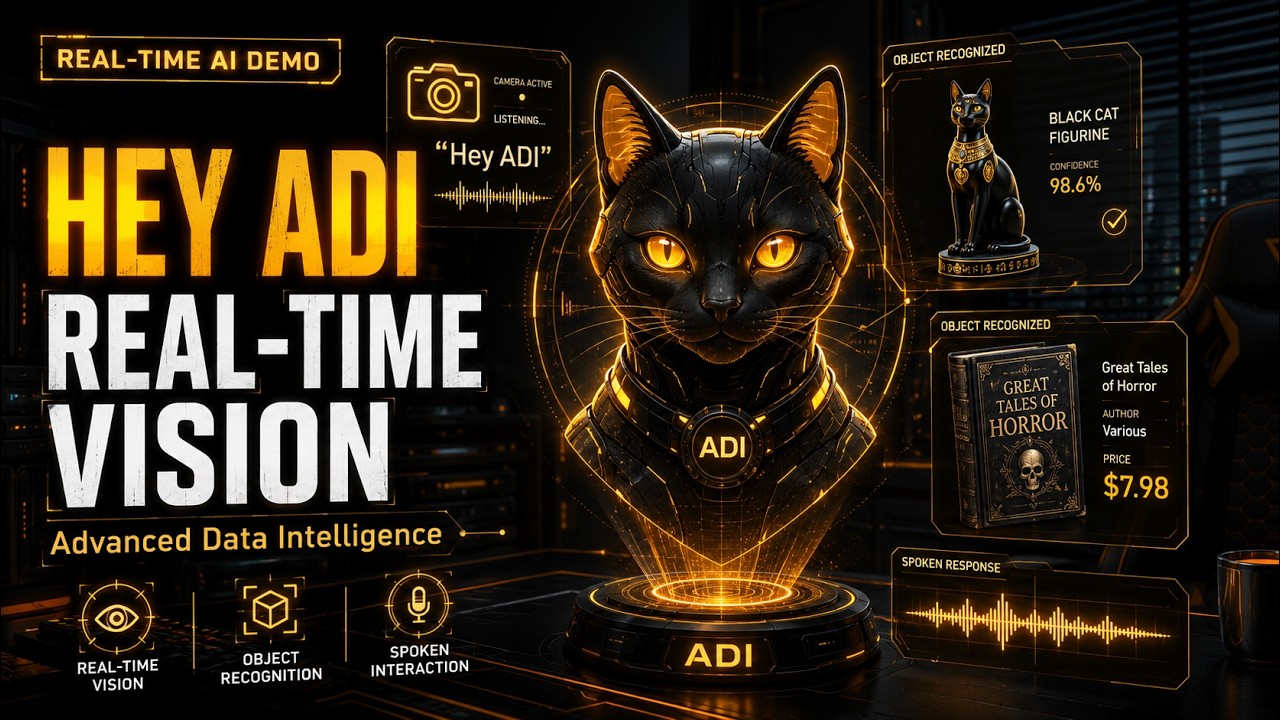
ADI Realtime mode demo — continuous vision, conversational pace
Talking to My AI Feels Like Talking to a Person Now · 2:50

Realtime mode for ADI — continuous vision, conversational pace, no tool calls, no "send message" button. Just a live conversation with something that's actually watching.

What you're seeing

  • Continuous multimodal vision — ADI sees the camera feed in real time
  • Conversational latency — no manual send, no wake word between turns
  • Self-introduction — ADI knows its name, its purpose, and what theLAB stands for
  • Visual state tracking — noticed the cap appear, then disappear between turns
  • Fine-grained detail — caught the small black logo on the cap and the gold accents on the figurine
  • Object recognition with cultural context — identified the Egyptian-style figurine and the book by title and author
  • OCR-grade reading — picked $7.98 off the price tag of a Lovecraft paperback
  • Conversational awareness — addressed the viewers directly when asked to say goodbye
  • All running on theLAB hardware
Alpha Build Cyberpunk

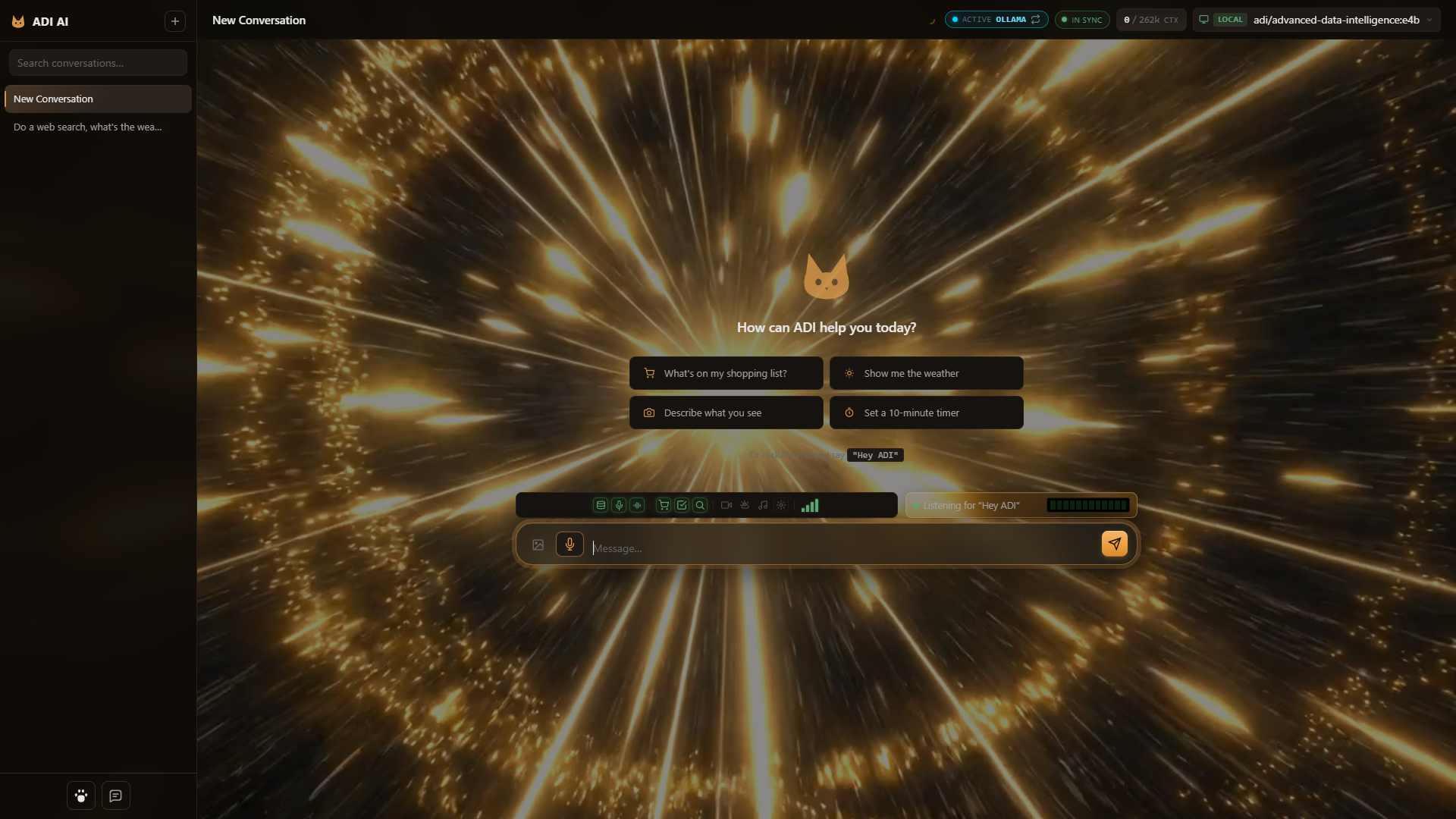
ADI AI Desktop — Alpha.

A quick look at what the alpha build feels like to use.

ADI AI Desktop alpha — theme engine, animated backgrounds, gesture control
ADI AI Desktop — Alpha

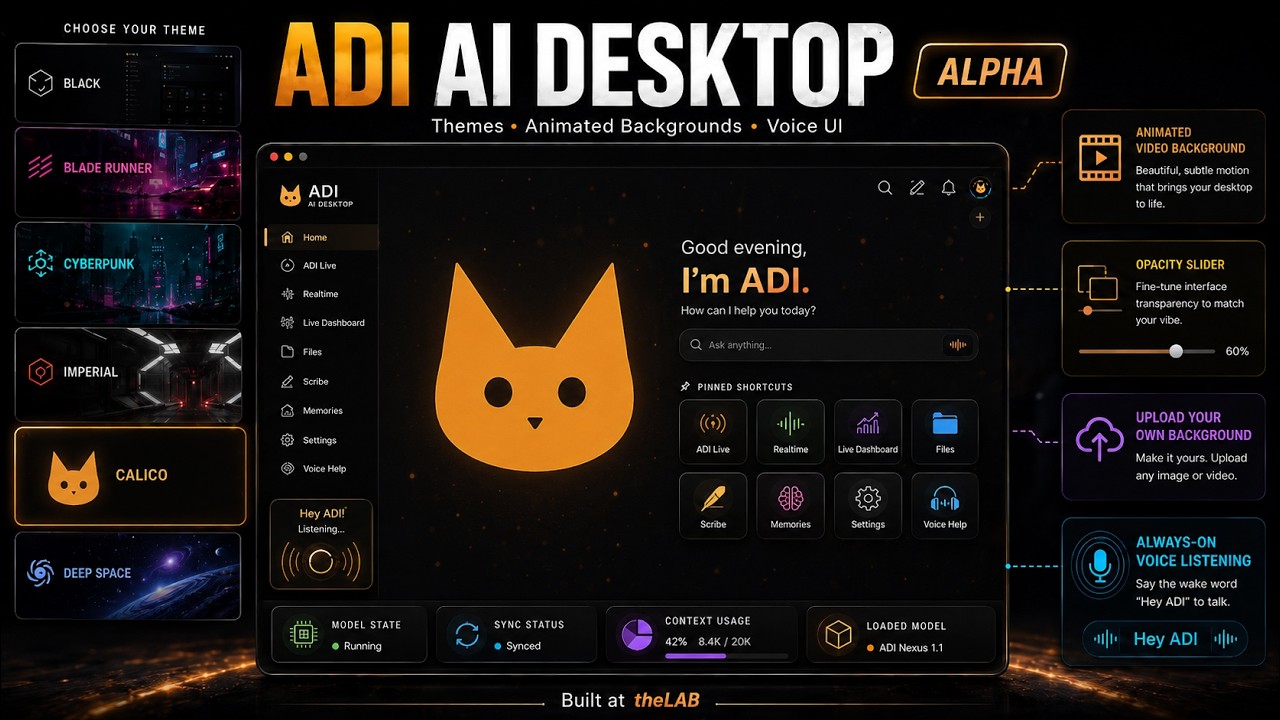
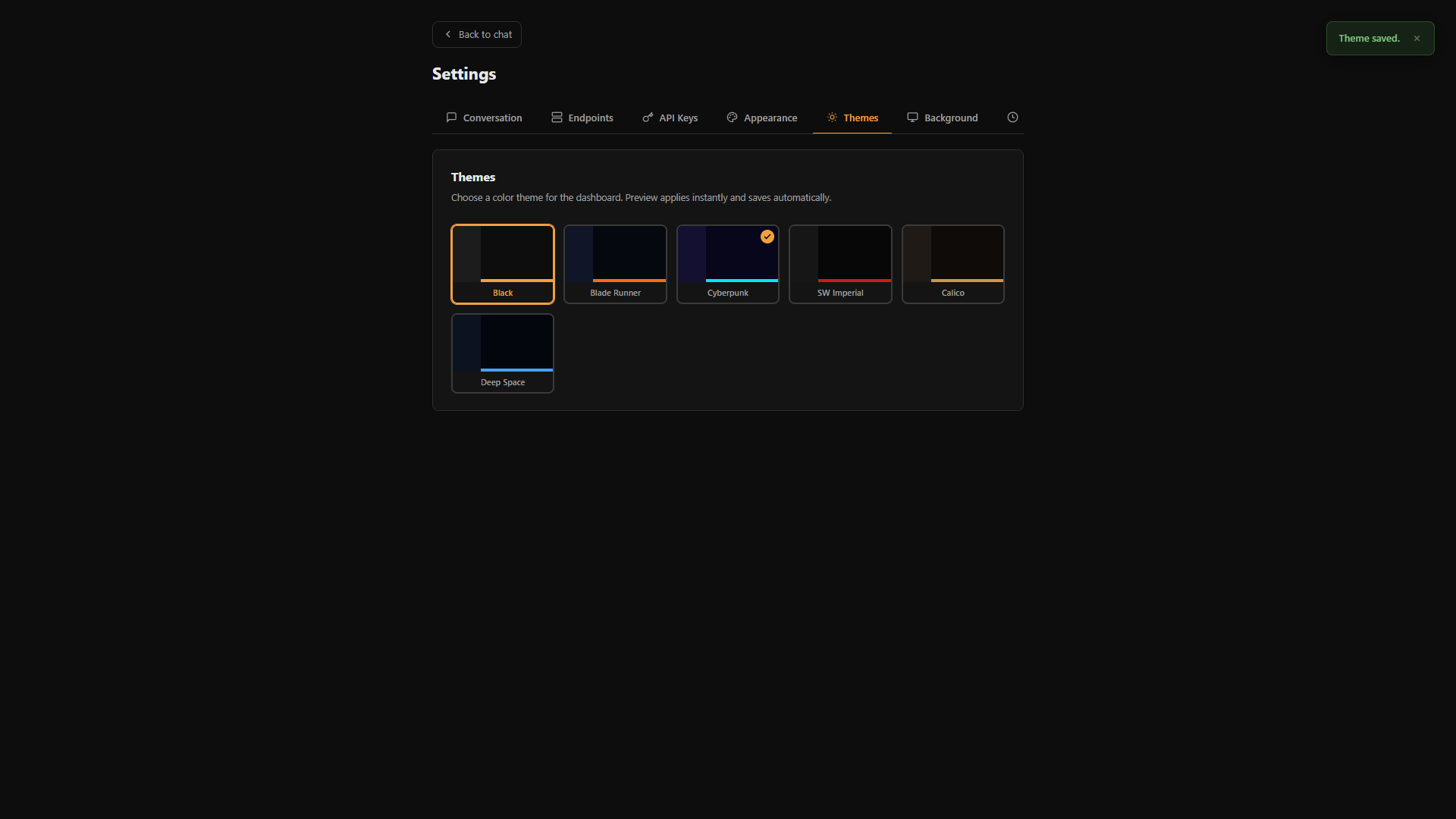
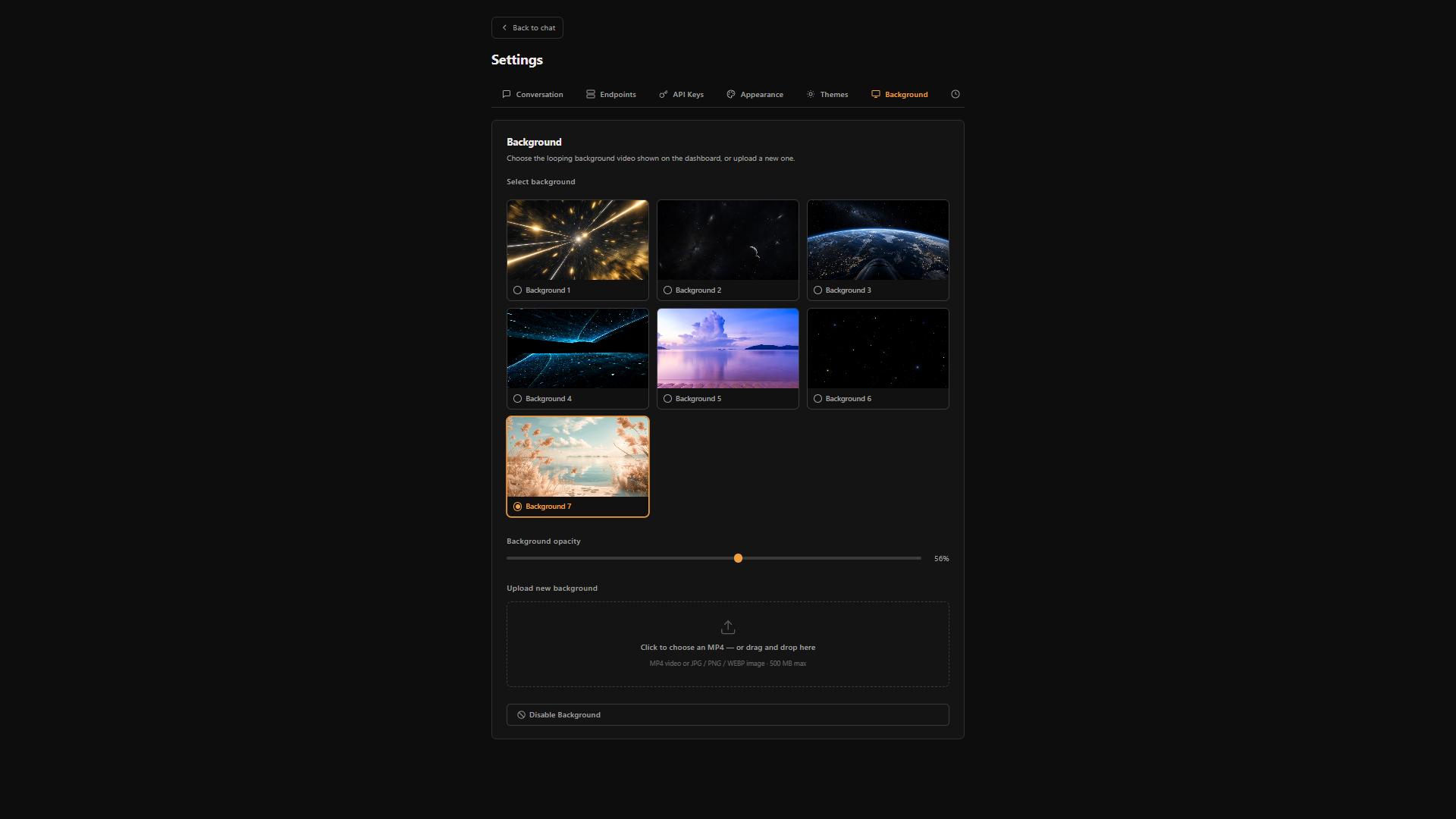
The web dashboard for ADI now has a full theme engine, animated video backgrounds, and gesture control. No keyboard required — wave at it.

What you're seeing

  • Gesture control — "stop" hand mutes the mic, "okay" hand brings it back, no voice command needed
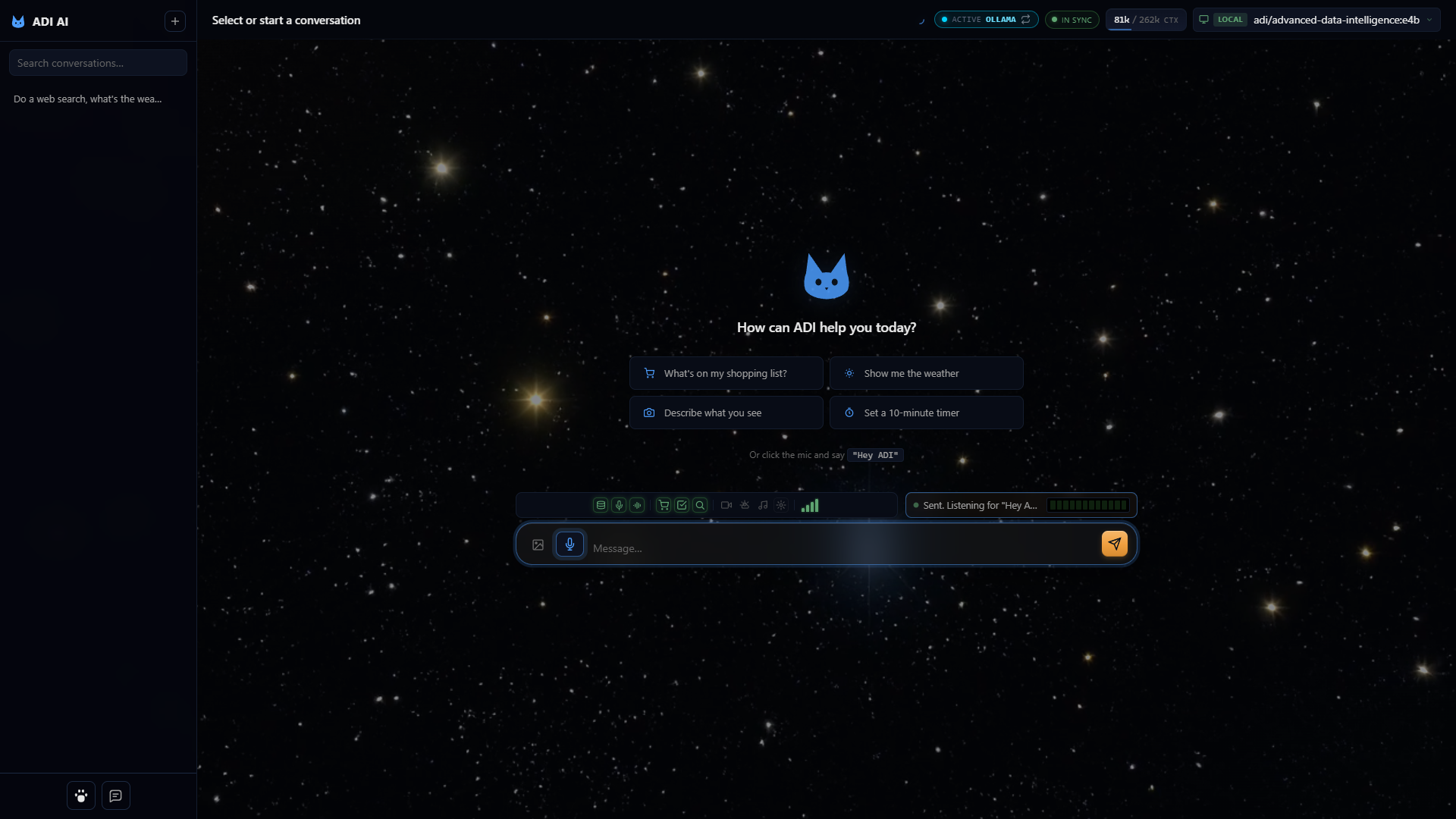
  • Six themes — Black, Blade Runner, Cyberpunk, SW Imperial, Calico, and Deep Space — each tuned to a different aesthetic
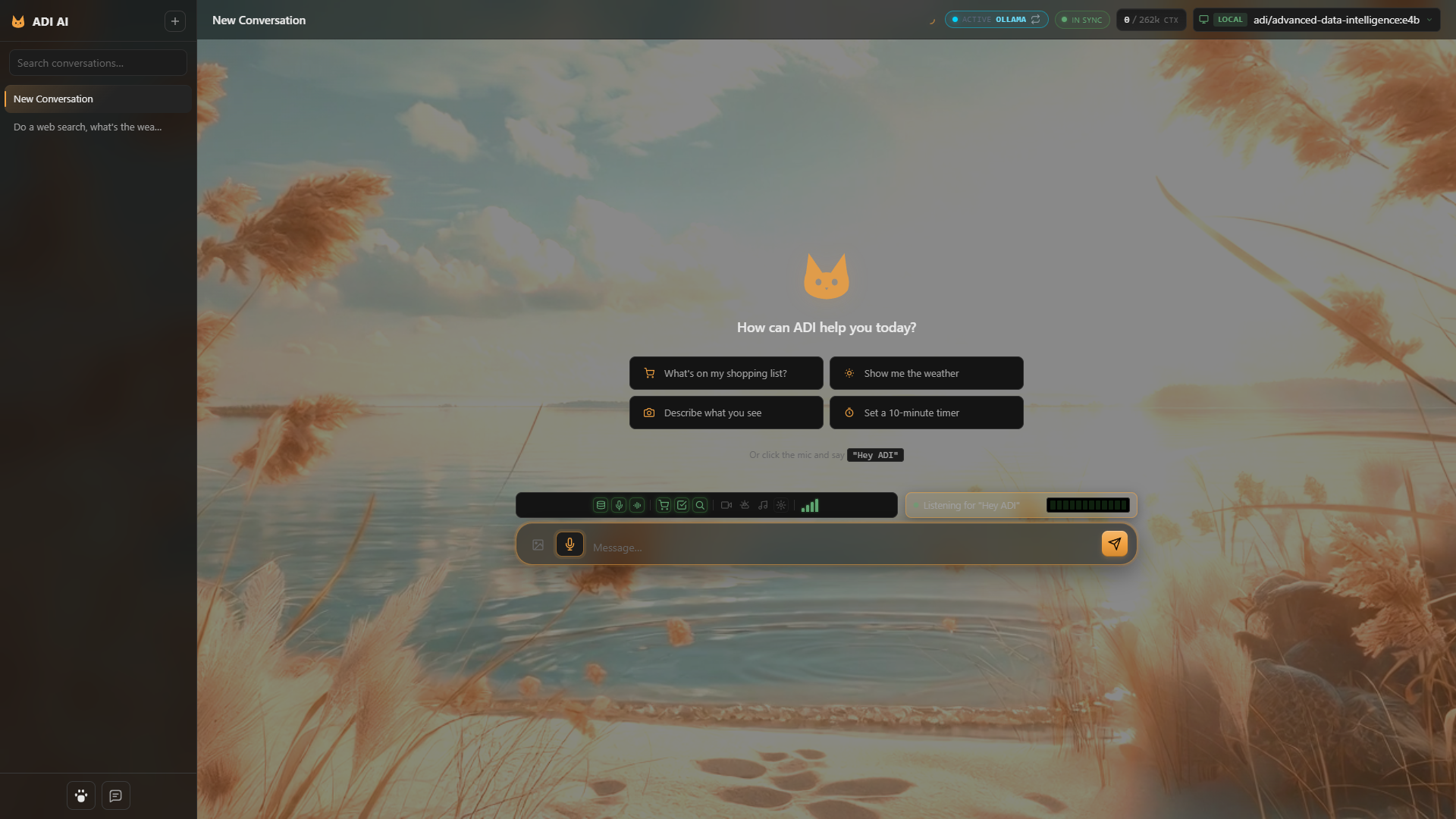
  • Animated MP4 backgrounds with an opacity slider, plus the ability to upload your own
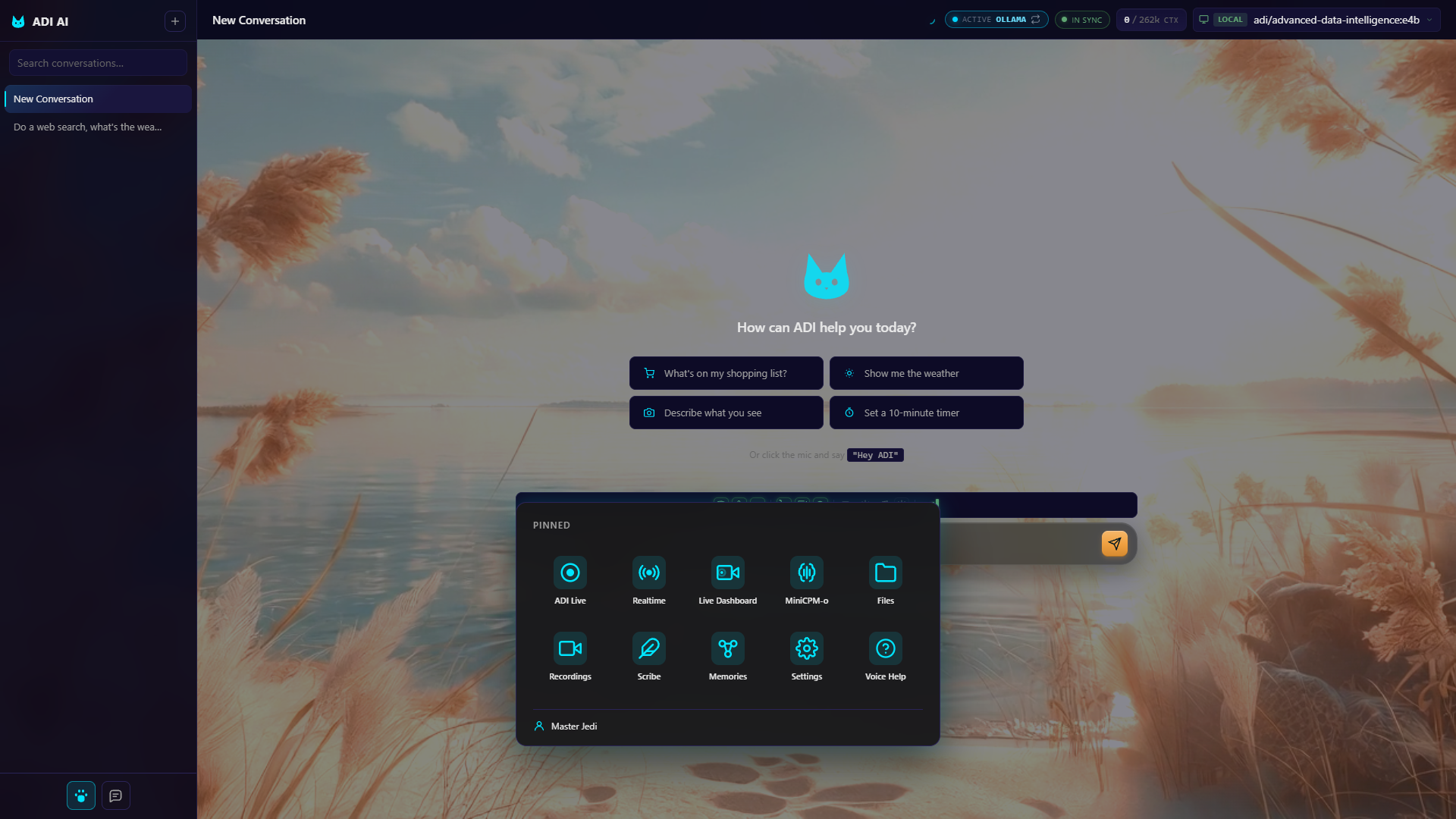
  • Pinned shortcut grid — ADI Live, Realtime, Live Dashboard, MiniCPM-o, Files, Recordings, Scribe, Memories, Settings, and Voice Help
  • Live status chips showing model state, sync status, context window usage, and which model is loaded
  • Always-on voice — "Hey ADI" wake word listening even while you're browsing the UI

Theme rollout

  • NowCalico — the current theme
  • NextCyberpunk
  • NextBlade Runner
  • QueuedBlack
  • QueuedSW Imperial
  • QueuedDeep Space
Capabilities Blade Runner

Everything the modern AI workstation needs.

Multi-provider chat, voice, vision, gesture, and an MCP tool layer — wired up out of the box and easy to extend.

Multi-provider chat

Stream from Anthropic, OpenAI, Google, Ollama Cloud, or any Ollama host on your network. Switch models per conversation. SSE under the hood — instant tokens, no polling.

Voice, end to end

Parakeet for transcription. Omnivoice for synthesis. Wakeword detection so ADI listens for its name. Real-time mode for full-duplex voice conversations.

Vision and gesture

Camera input feeds vision-capable models. Hand-gesture control for hands-free navigation. A computer-use sub-app for agentic browser control.

MCP tools, built in

Shopping list, unified to-do, persistent knowledge-graph memory, social-media drafts, sandboxed file access, desktop app launcher — each one an independent MCP server you can enable, disable, or extend.

Sub-apps for focused work

Scribe for dictation. Live for real-time transcription. Realtime for low-latency voice chat. Mobile-optimized view. Mini-CPM-O for compact vision tasks.

Self-hosted by design

Runs on a LAMP-ish stack: Ubuntu, Apache, PHP 8, MariaDB, Ollama. Designed for Tailscale or LAN deployment — your data never leaves your network unless you choose a cloud provider for a given turn.

Optional FLUX image gen

Drop in a ComfyUI endpoint and ADI lights up image generation as a first-class capability. Same chat surface, same model picker — pictures join the conversation.

Persistent memory

A knowledge-graph memory MCP that survives across conversations. ADI remembers what you told it last week and brings it back when it's relevant — without leaking it to providers you didn't choose.

Inside ADI SW Imperial

The dashboard, in pixels.

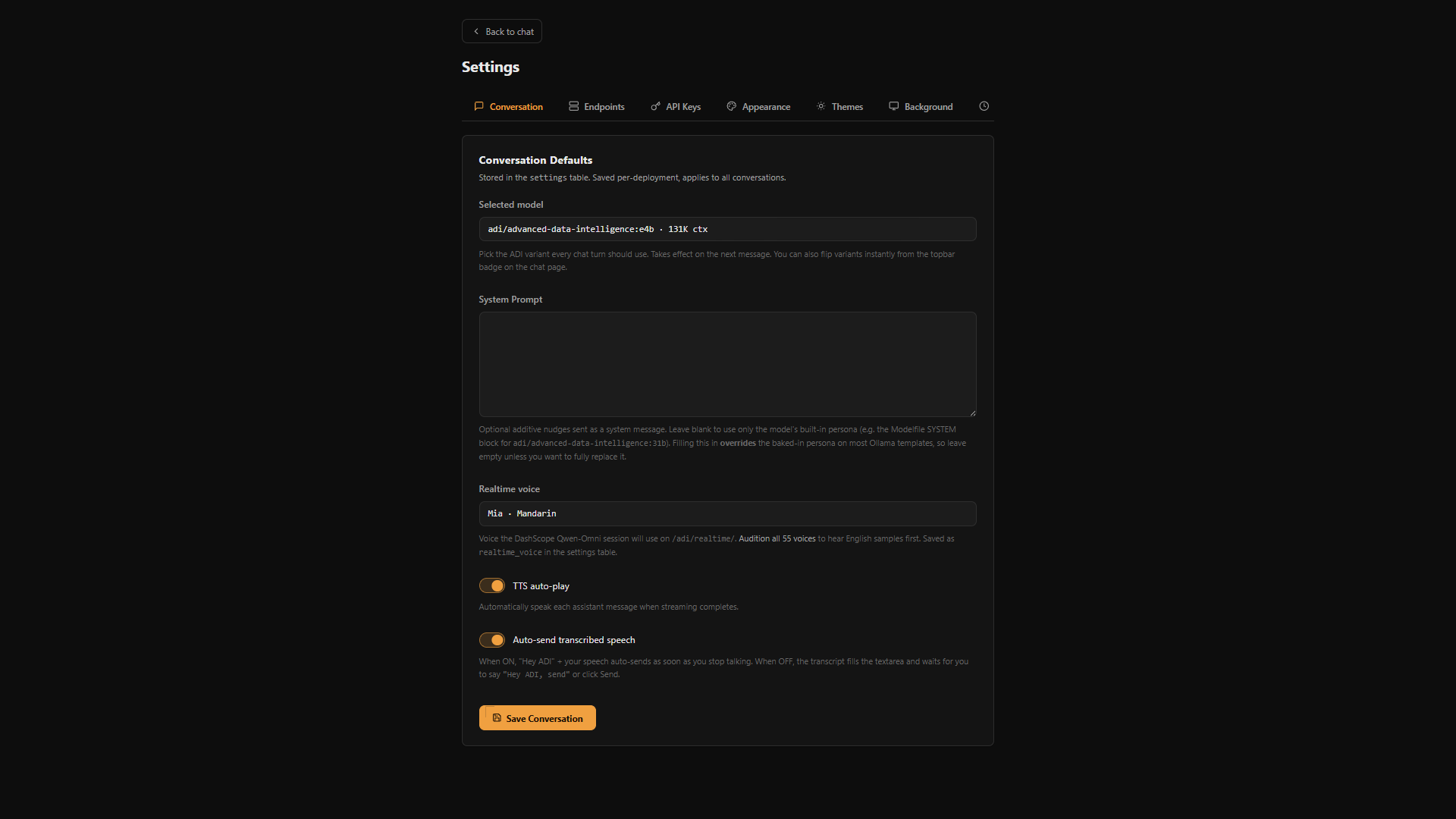
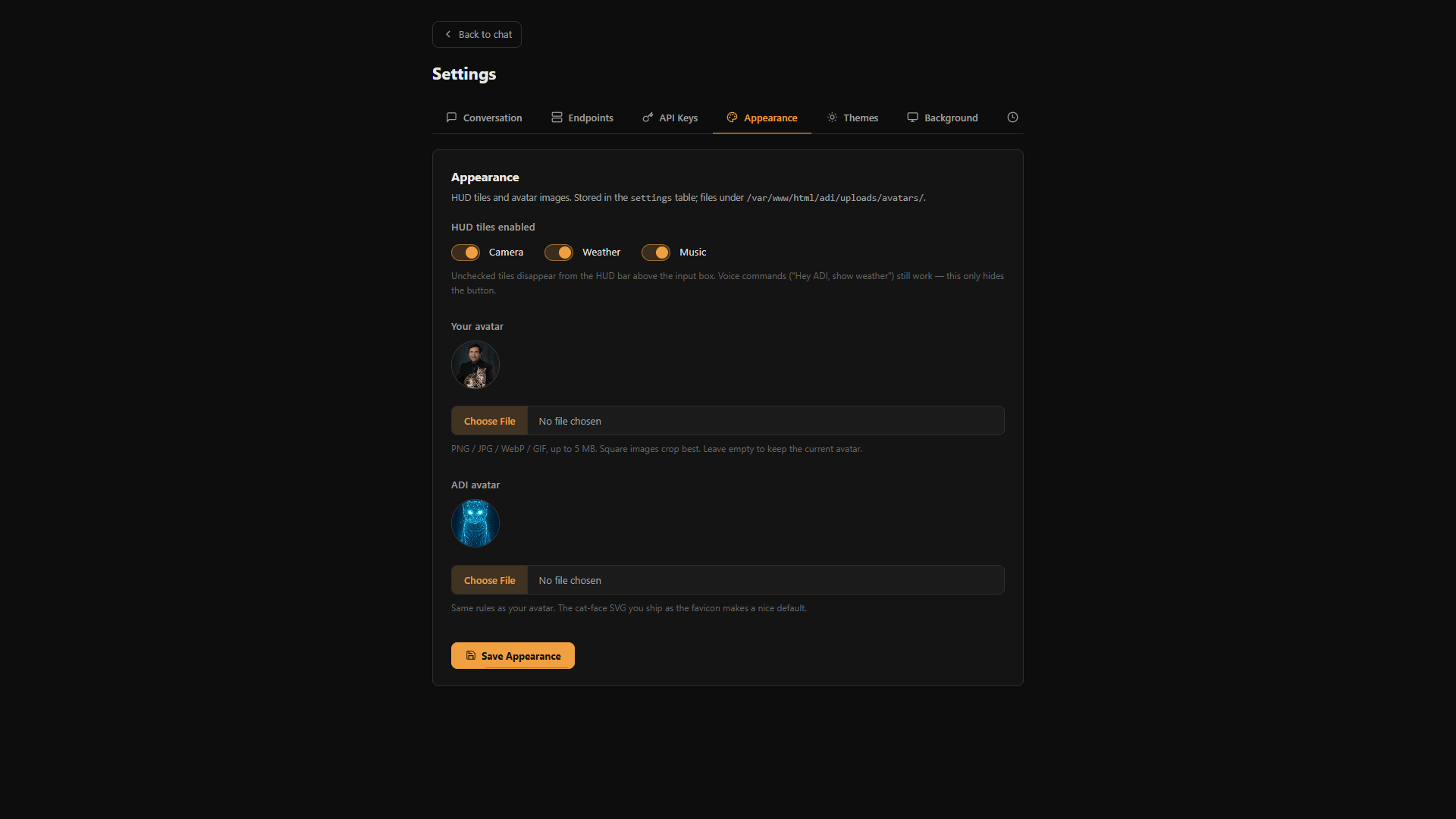
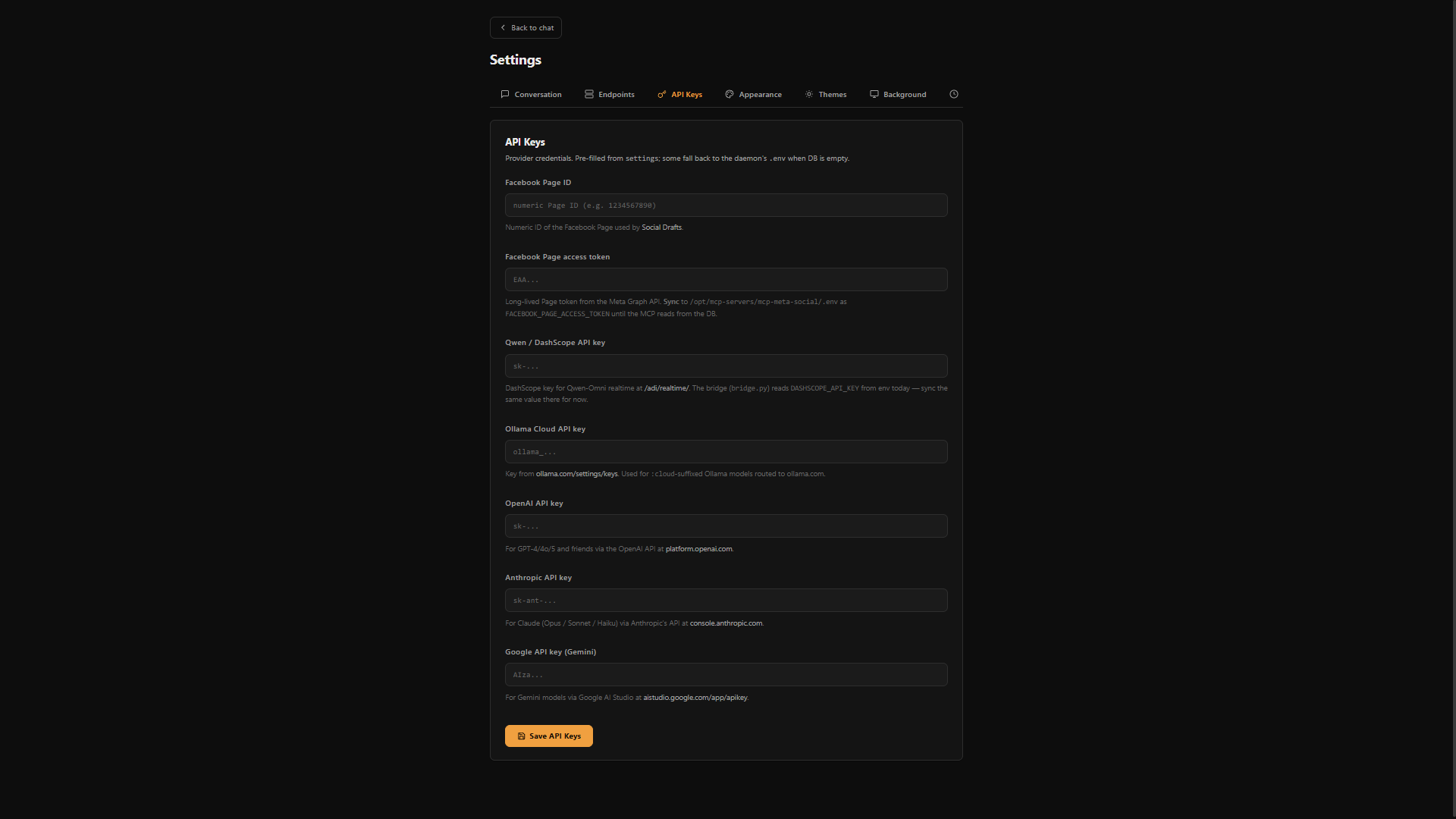
Chat surface, sub-app launcher, theme picker, background gallery, and the settings panels that wire it all together. Click any tile to zoom.

Why ADI Calico

Built for fleets, not single models.

Most AI dashboards assume one provider, one model, one machine.

ADI assumes a fleet — multiple GPUs, multiple hosts, multiple model families, mixing local and cloud inference depending on what's sensitive and what's not.

It's built for the person who has an Ollama box under their desk and a Claude API key, and wants both behind one interface.

Built on a stack you can read in an afternoon
PHP 8 MariaDB 10.11 Apache 2.4 Ollama MCP Parakeet Omnivoice Tailscale-ready Cloudflare Zero Trust